 BukaDesk

How It Works
Security
Features
Docs
Download


Equipment Counter - Download
BukaDesk v0.1.0 Free Public Beta is available for Apple Silicon (arm64) Macs.

Available
macOS
Version 0.1.0
Free Public Beta for the Mac you want to access. Self-signed, not Apple Developer ID signed, and not notarized by Apple. The DMG is unsigned.
System Requirements
- macOS 13 minimum build target; compatibility across macOS releases is not yet validated
- Apple Silicon (arm64) only; Intel Macs are not supported
SHA-256
Compare your downloaded DMG with this checksum:
4f2a6a831fd84ae120aead041f6877cf274afc14ab0ca308d395cb750dd509d1
Coming Soon
Windows
Windows support is being prepared.
System Requirements
- To be confirmed
Planned
Linux
Linux support is planned.
System Requirements
- To be confirmed
How to Install BukaDesk on Mac
Follow these steps to install BukaDesk on your Apple Silicon Mac and get started.
How to Connect with Tailscale
Set up Tailscale on your Target Mac and Remote Device to access BukaDesk securely from anywhere.
Tailscale is recommended for remote access. Same Network works on trusted Wi-Fi or Ethernet without Tailscale.
Install and connect Tailscale on both devices. For the simplest setup, sign in with the same Tailscale account; both devices must be in a tailnet that permits communication.
Tailscale sign-in is separate from BukaDesk sign-in. Complete BukaDesk Desktop sign-in and Mac registration, review Permissions, then select Tailscale and Start Server.
On the Remote Device, open the exact Target URL displayed by Desktop. A new Viewer session must pair with the current Pairing Code. Pairing and remote-control permission are separate; control may require approval.

What do I install?
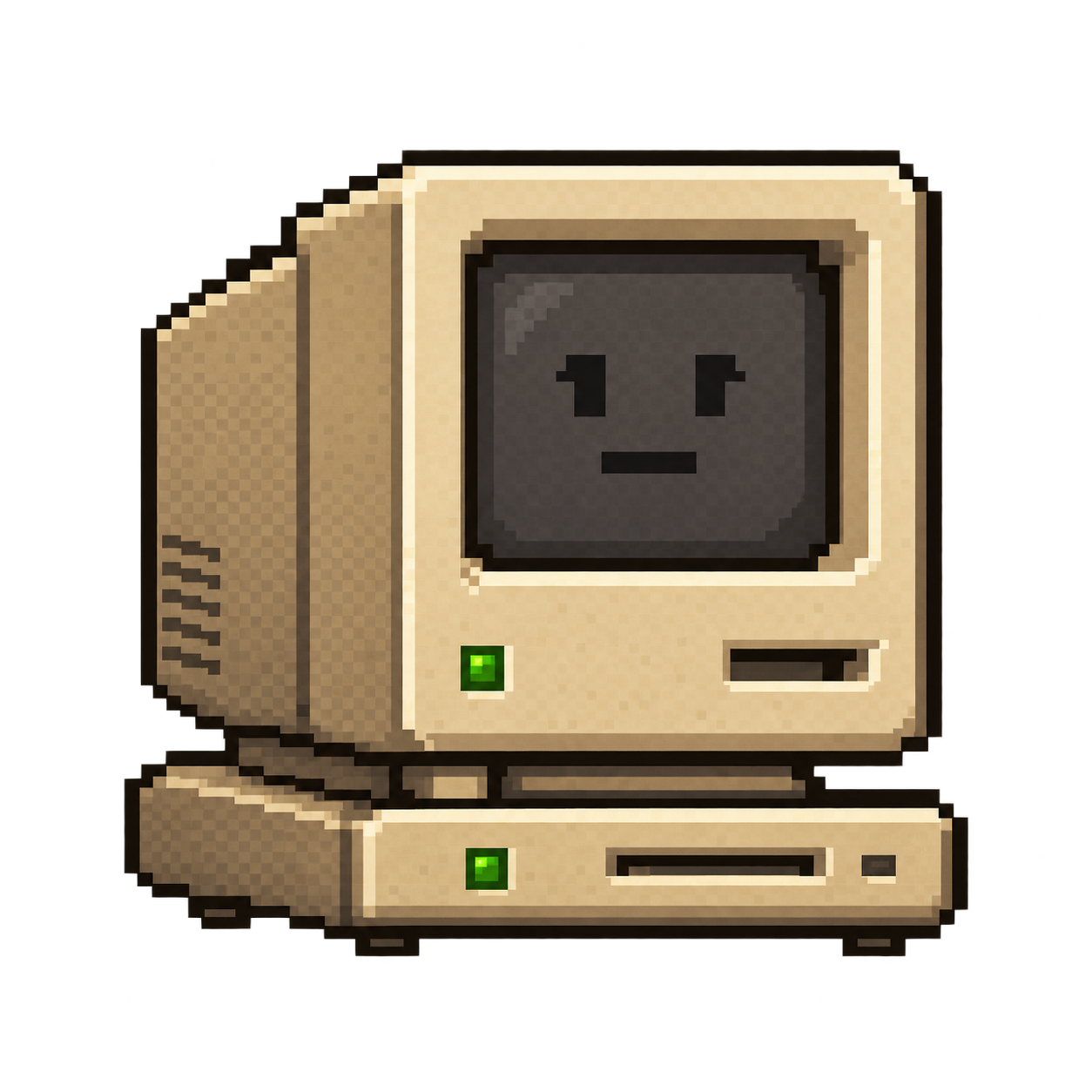
Target Computer
Install and run BukaDesk here.

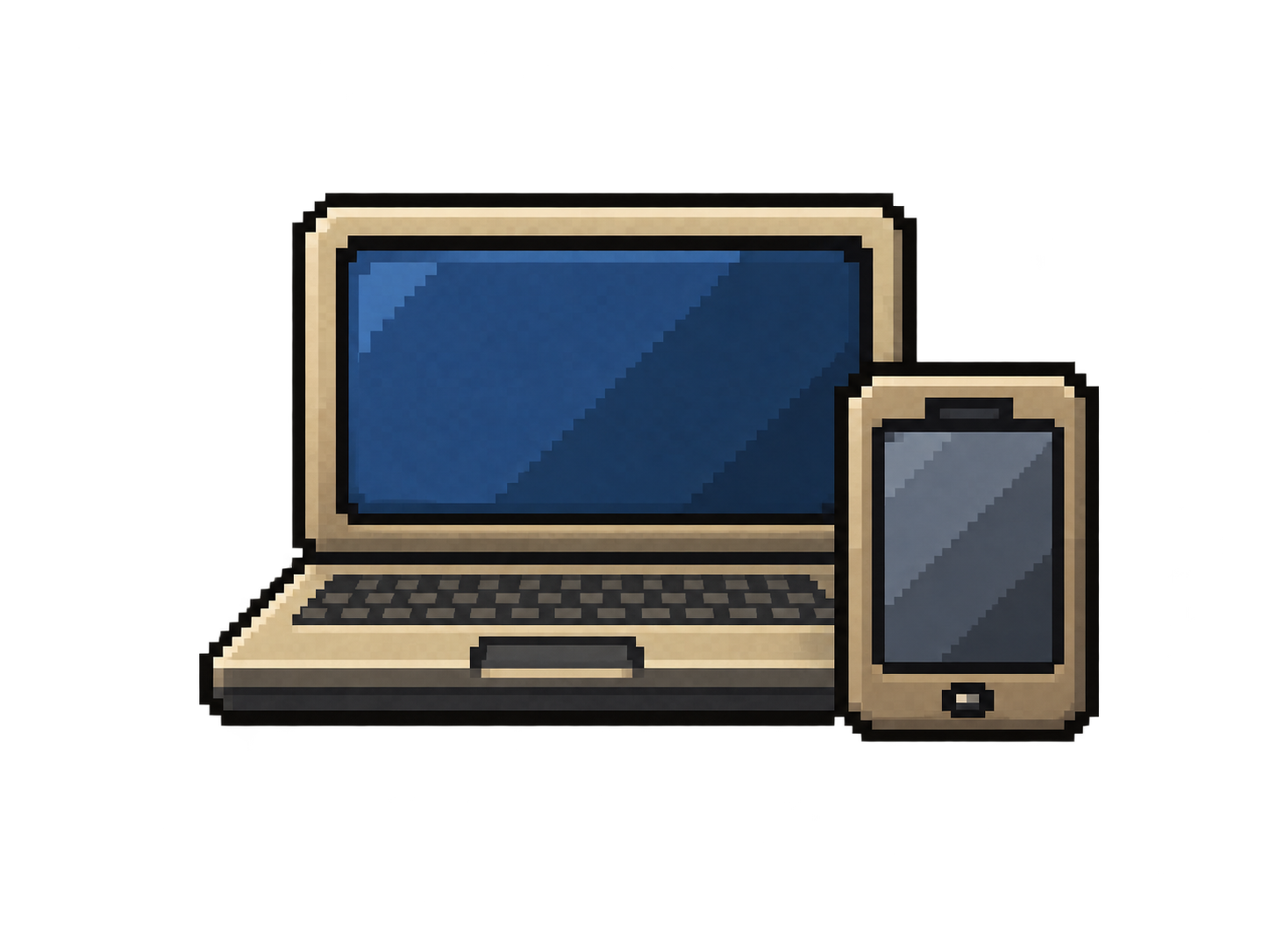
Remote Device
Nothing to install. Open the BukaDesk address from your browser.
Private. Fast. Yours.
Your Desktop,
Wherever You Roam
Access and control your computer from another browser — privately, wherever you are. BukaDesk v0.1.0 Free Public Beta is available for Apple Silicon (arm64) Macs.
No cloud desktop. Direct connection to your computer.
Private remote desktop
No cloud relay. Direct connection to your computer.
Tailscale or local network
Fast, private access on the network you trust.
Browser-based control
Keyboard, mouse, files, and audio from one tab.
Desktop first
Built for desktop computers with privacy in mind.
How BukaDesk works
Connect directly to your computer from a browser over Tailscale or your local network.
Private by design
Your remote desktop stays on the network you control.
BukaDesk documentation
Setup guides and reference material will be available here.
Download BukaDesk
BukaDesk v0.1.0 Free Public Beta is available for Apple Silicon (arm64) Macs.
Simple pricing
Pro subscriptions are not yet available to purchase. Pricing has not been announced.